 how-to
7 Steps to Verify HVAC Manufacturer Warranty Coverage
Last Updated: November 1, 2026
Quick Summary
To verify HVAC warranty coverage, find the model and serial numbers on the unit's data plate, then run the manufacturer's online warranty lookup using the serial number. The tool returns the build date, registration status, and coverage tier, and you should save a screenshot of the full result page as proof.
- The data plate sits on the outdoor condenser cabinet or inside the furnace blower compartment door.
- Most portals reject spaces and dashes, so type the serial number exactly as stamped.
- Registration typically converts a base warranty into the longer coverage period.
- Coverage usually starts at the installation date, not the purchase date.
- Typical exclusions include labor, refrigerant, and damage from improper installation or poor maintenance.
Table of Contents
- Step 1: Find Your Model and Serial Number
- Step 2: Run an HVAC Warranty Lookup on the Manufacturer Site
- Step 3: Check Your HVAC Warranty by Serial Number
- Step 4: Complete an HVAC Warranty Registration Check
- Step 5: Confirm Your HVAC Warranty Expiration Date
- Step 6: Read the Limited Warranty Terms and Exclusions
- Step 7: Fix a Lookup That Returns No Record or Wrong Details
- Confirm Coverage Before You Book the Repair
- Frequently Asked Questions
Step 1: Find Your Model and Serial Number
Every HVAC warranty lookup starts with two numbers stamped on a metal plate somewhere on your equipment. Find them before you touch a website.
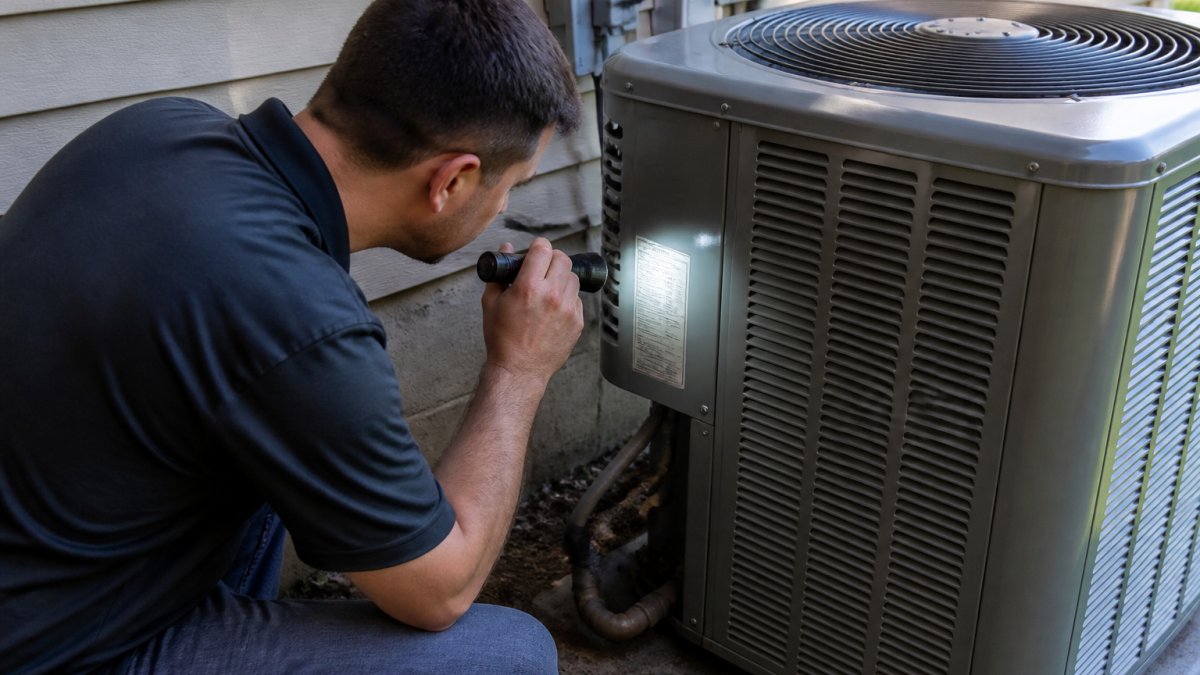
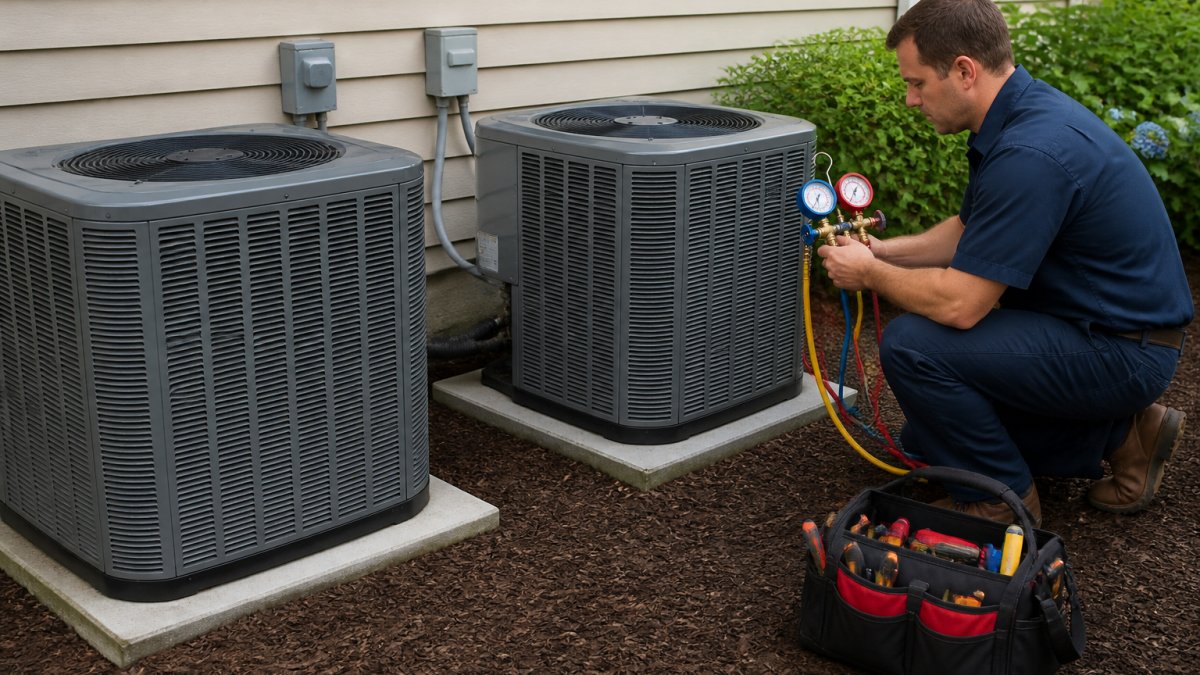
The data plate sits on the outdoor condenser cabinet, usually on a side or back panel near the refrigerant lines.
Here is what each number tells you:
- Model number: the exact product family and capacity, such as a 3-ton heat pump
- Serial number: the specific unit built on a specific date, which is what most warranty tools search on
Read them carefully. A zero and the letter O look identical on a faded sticker. So do 8 and B.
Take a photo with your phone before you go back inside. You will need it.
Step 2: Run an HVAC Warranty Lookup on the Manufacturer Site
Search for your brand plus "warranty lookup" or "warranty check." The tool usually lives under a Support or Warranty menu.
Type the serial number exactly as stamped. Most portals reject spaces and dashes. If the field asks for a model number too, enter both.
A common mistake is using a dealer portal instead of the homeowner tool. Dealer systems want account credentials you do not have.
Step 3: Check Your HVAC Warranty by Serial Number
Checking your HVAC warranty by serial number takes under a minute once you have the number in hand. The tool returns the build date, the registration status, and the coverage tier tied to that unit. But the result page is not always self-explanatory, and misreading it is how homeowners end up assuming they have coverage they do not.
Three outcomes are possible:
- A full record appears. The serial is recognized, the unit is registered, and a coverage tier is shown. Save a screenshot or PDF of the entire result page, not just the top line. You now have proof of coverage, and you will want it if a contractor or manufacturer later disputes the claim.
- A partial record appears. The unit is recognized but shows as unregistered, or the build date is present while the coverage tier is blank. Move to Step 4 to check registration status. A partial record is not a denial; it usually means the registration was never filed or was filed under a different owner or address.
- No record appears. The serial may be mistyped, the unit may predate the online system, or the portal may index only certain product lines. Step 7 covers this.
Watch out for three interpretation traps that the top line of the result page will not flag:
- Split coverage tiers. Some brands separate the equipment warranty from the parts warranty, and the serial tool may show only one. Read the full result page, including any linked PDF or "coverage details" tab, before you conclude what is covered.
- Build date versus installation date. The serial tool returns the build date, which is not the same as the warranty start date. If the result shows a build date but no installation date, the coverage clock may have started later than the build date, or the manufacturer may default to the build date when installation is unverified. Note both dates and reconcile them in Step 5.
- Owner-of-record mismatch. A record can appear under the original owner's name or the installing contractor's account. If the name on the result does not match yours, the coverage may still be valid but the record needs correction before a claim. Ask support to update the owner of record with your closing documents or installation invoice.
For questions about how a serial lookup result maps to registration and coverage terms, our team answers them on the HVAC warranty and registration help page.
Step 4: Complete an HVAC Warranty Registration Check
An HVAC warranty registration check confirms whether the original installation was registered with the manufacturer.
Most manufacturers let the installing contractor register the unit, and many give the homeowner a window after installation to register independently.
To check registration status, you need:
- Serial and model numbers
- Installation date
- Installing company name, if you have it
- Your name and property address
If the record shows unregistered, register now if you are still inside the window. If you are past it, ask manufacturer support whether any exception applies.
For questions about how registration, coverage, and the warranty process fit together, our team answers them on the HVAC warranty and registration help page.
Step 5: Confirm Your HVAC Warranty Expiration Date
The HVAC warranty expiration date is the last day the manufacturer will cover a failed part. It is not always the date you expect.
Coverage usually starts at the installation date, not the purchase date. If your unit sat in a warehouse or a contractor's truck for months, the clock started later than the invoice suggests.
Work out the end date like this:
- Find the start date: installation date, or the build date if installation is unknown
- Find the term: base coverage versus registered coverage
- Add the term to the start date
- Check whether parts and labor run on separate clocks
Write the expiration date on a piece of tape inside the furnace door. Future you will be grateful.
Step 6: Read the Limited Warranty Terms and Exclusions
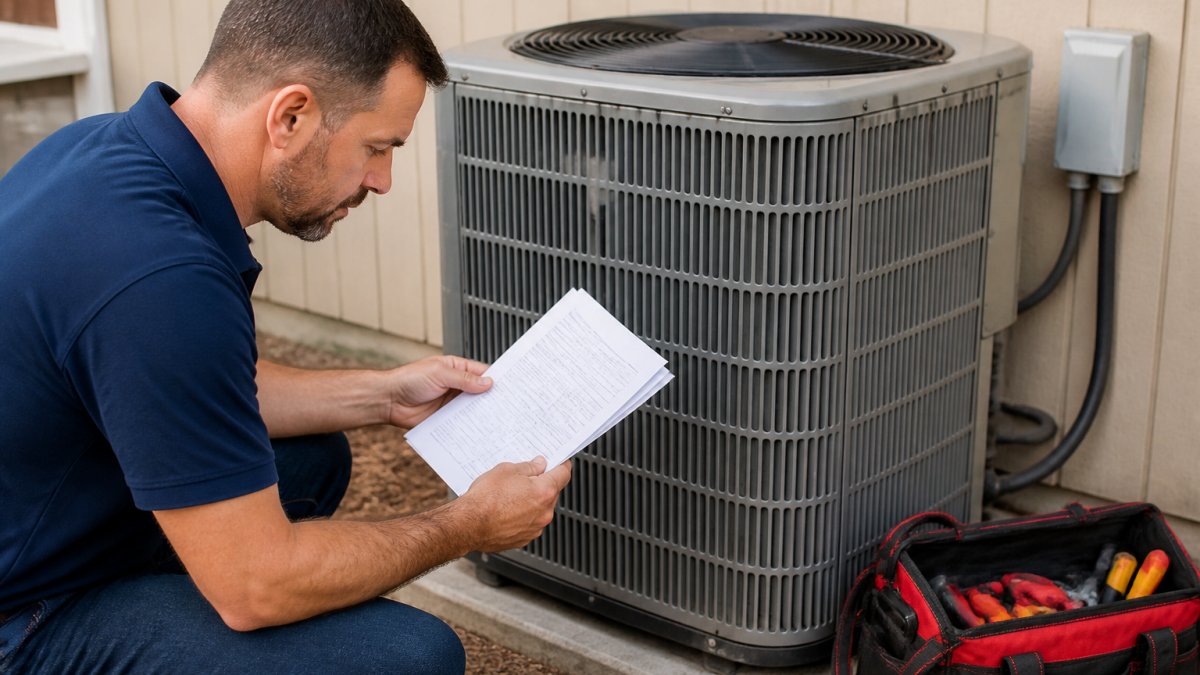
A limited warranty covers specific parts for a specific period, and it rarely covers everything a homeowner assumes it does. Read the terms before you plan a repair around them, and before you authorize a contractor to start work.
Typical exclusions include:
- Labor to diagnose or replace the part
- Refrigerant and consumables
- Damage from improper installation or poor maintenance
- Rust, corrosion, or cosmetic issues
- Units moved from their original installation address
- Failures caused by unauthorized parts or DIY repairs
The word "limited" is doing real work in that phrase. Many homeowners discover at claim time that the part is covered but the several hours of skilled labor to swap it are not.
Confirm coverage before you authorize the repair
Use this checklist before any contractor starts work on a part you believe is covered:
- Match the failed part to the warranty document. The serial lookup shows the coverage tier, but the warranty document lists which components are included. Ask the contractor to identify the failed part by name and confirm it appears in the covered-parts list.
- Confirm the claim will be filed before work begins. Get written confirmation, email or text, that the contractor will file the claim and that the part is eligible. Verbal assurances are how homeowners end up paying twice.
- Ask who supplies the part. Many manufacturers require an authorized contractor and OEM parts for warranty replacement. A DIY or aftermarket part can void the claim on that component.
- Gather documentation. Manufacturers commonly ask for the installation invoice, proof of purchase, maintenance records, and the serial and model numbers. Missing filter-change history is a common reason a claim gets denied.
- Check the labor clock separately. Parts and labor often run on different clocks. A part may still be covered while the labor allowance has expired, or vice versa.
Keep your maintenance records. Manufacturers often ask for proof that the system was serviced, and a missing filter-change history is a common reason a claim gets denied. If you are weighing a covered repair against a full replacement, you can browse wholesale HVAC units with installation support and compare options before you commit. For questions about how exclusions and claim authorization fit together, our team answers them on the HVAC warranty and registration help page.
Step 7: Fix a Lookup That Returns No Record or Wrong Details
Start with the input. Re-enter the serial with no spaces, no dashes, and correct characters.
Next, try the model number search instead of the serial. Some portals index one field better than the other.
If the record appears but shows the wrong installation date or owner, the registration was likely filed with errors.
If the portal itself fails, our support team can help you sort out registration and record issues, and you can contact us about warranty records and coverage questions.
A failed lookup usually comes down to four causes, and three of them you can fix yourself in minutes.
| Problem | Cause | Fix |
|---|---|---|
| No record appears | Serial mistyped or wrong characters | Re-enter serial with no spaces or dashes |
| No record appears | Portal indexes one field better | Try the model number search instead |
| Wrong installation date or owner | Registration filed with errors | Ask manufacturer support to correct it |
| Home sale involved | Coverage may not transfer to new owner | Ask support if warranty follows equipment |
Confirm Coverage Before You Book the Repair
Confirm coverage first, then book the repair. A five-minute check can change who pays the bill.
Once you know the part is covered, the next question is who installs it.
That is where we come in. You can buy HVAC units direct, shipped to your door at wholesale pricing.
Watch out: do not authorize a repair on a part you believe is covered until the contractor confirms in writing that the claim will be filed.
Frequently Asked Questions
What information do I need to look up an HVAC manufacturer warranty?
You need the equipment's model number and serial number, which are printed on the data plate on the outdoor unit or inside the furnace cabinet. Bring the brand name, the installation date if you have it, and the name of the installing contractor. Some manufacturer portals also ask for the registration number or the homeowner's name and address used at registration. With those details, an HVAC warranty lookup takes a few minutes on the manufacturer's website.
Does an HVAC warranty transfer to a new homeowner?
It depends on the manufacturer and the equipment type. Many brands offer a transferable limited warranty on parts if the new owner registers the transfer within a set window, often 30 to 90 days of the sale, and some shorten the remaining coverage in the process. Original-owner terms are usually longer. Before you buy a home with a recently installed system, run an HVAC warranty by serial number check and ask the manufacturer support line what the transfer rules are for that specific model.
Does an HVAC manufacturer warranty cover labor or only parts?
Most standard manufacturer warranties cover parts only. Labor, refrigerant, diagnostic fees, and shipping on replacement parts are typically the homeowner's responsibility unless you bought an extended labor warranty or the installing contractor included one. Read the limited warranty document for your model before you schedule a repair so you know what you will pay out of pocket. A licensed HVAC company can confirm what the manufacturer covers before any work starts.
What should I do if the manufacturer cannot find my HVAC warranty registration?
Start by checking the spelling of the serial number and removing any spaces or dashes, since most online systems reject formatted entries. If the record still does not appear, call manufacturer support with your model and serial number and ask them to search by address or by the installing contractor's account. If the unit was never registered, ask whether you can still register now and what the coverage start date would be. Keep a copy of the confirmation.
Verifying coverage takes patience, but it protects your wallet. The HVAC Super Store makes the equipment side simpler with wholesale pricing, direct-to-door shipping, and local installation support. Get started with The HVAC Super Store and know exactly what you are buying and who stands behind it.